Specialist workflow

FORM Schedules

A cleaner schedule viewer and editor for teams that need shift clarity at a glance. This workflow includes both the polished schedule viewer for everyday staff visibility and the full scheduler editor for managers who need to build, adjust, and publish shifts.

AI-assisted schedule planning
Specialist FORM workflow
Product stage
FORM Schedules spotlights the schedule viewer and editor for staff visibility, shift planning, and cleaner weekly coordination.
Teams with recurring shifts
Best fit
Managers coordinating staff coverage | Organizations that want stronger staffing visibility inside the same maintenance platform
Plus, Pro, or Enterprise
Billing model
These specialist pages explain workflow fit and depth, but they do not create a separate pricing lane. Buyers still choose Plus, Pro, or Enterprise under the same FORM contract structure.
Labor planning

FORM Schedule combines the live staff schedule viewer with the full scheduler editor in one standalone product.

That matters because teams need both halves of the scheduling experience: a clean daily view for staff and a real planning surface for the managers building coverage.

FORM Schedule viewer
Viewer

Give employees a cleaner read on the day, the week, and their own shift.

The schedule viewer is designed to make shifts easier to understand at a glance across mobile and desktop, with timeline-based visibility instead of cluttered boxes.

FORM Schedule editor
Editor

Give managers the tools to build and adjust labor plans quickly.

The full scheduler editor includes drag-and-drop planning, templates, PTO handling, assignments, and cleaner week and month editing workflows.

FORM Schedule cinematic art
Operational trust

Make staffing easier to understand for everyone.

A good scheduling tool has to be readable, fair-feeling, and fast to update. That is why the standalone schedule product includes both the worker-facing and manager-facing experience.

What the app delivers
FORM Schedule covers planning, publishing, and day-to-day shift clarity in one product.
The standalone product is intentionally broader than a simple calendar because staffing only works when both leaders and employees can use the same system confidently.
Why teams buy it

This product is for organizations that need labor planning to feel more reliable and less chaotic.

FORM Schedule is a strong fit for teams that want staff to trust the schedule more and managers to spend less time wrestling with it.

Cleaner employee-facing shift visibility.
A real scheduler editor for admins and managers.
A stronger labor-planning experience than a generic calendar tool.
Schedule product
FORM Schedule viewer and editor
Best-fit teams

FORM Schedule fits teams that need labor visibility for staff and control for managers.

This product works best when an organization wants to clean up the scheduling experience without forcing two separate systems for employees and schedulers.

Managers
01

Build and revise the schedule with real editing power

The scheduler editor supports templates, drag-and-drop updates, and clearer week-to-week planning.

Templates
Drag editing
Publish control
Employees
02

See shifts more clearly on mobile and desktop

The viewer side of the product gives staff a more readable schedule without making them decode a cluttered planner.

Shift timelines
Cleaner mobile reading
Better at-a-glance visibility
Operations leaders
03

Improve labor trust and reduce schedule confusion

When the schedule is readable and easier to maintain, trust improves and operational friction drops.
Coverage clarity
Less confusion
Stronger staffing rhythm
Real app screens
2 real app screens
2 real app screens
Captured from the working app with real operating data. No rendered mockups.
Featured view
Schedule viewer
Screen 01
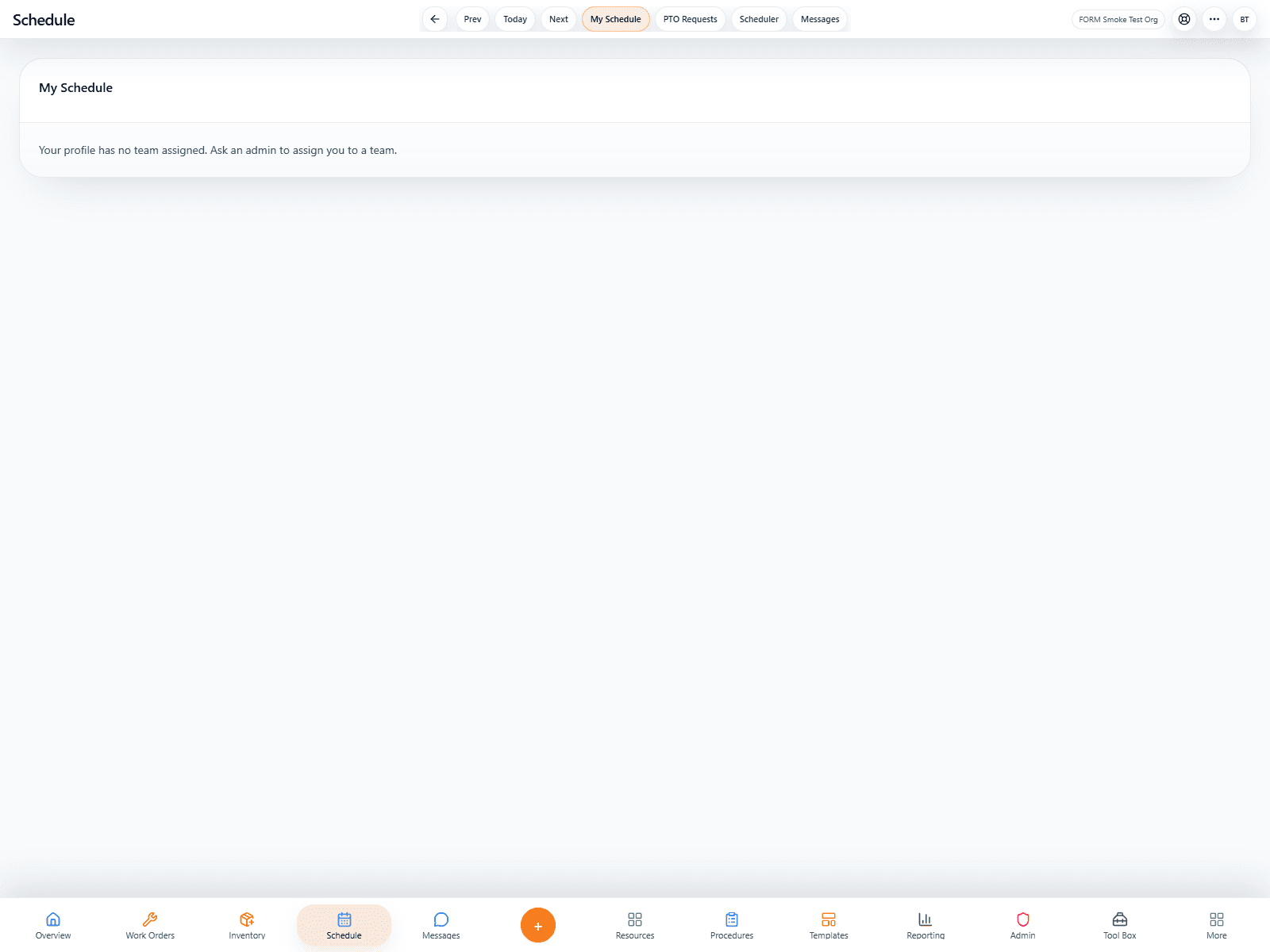
FORM schedule viewer with shift timeline pills
Schedule editor
02
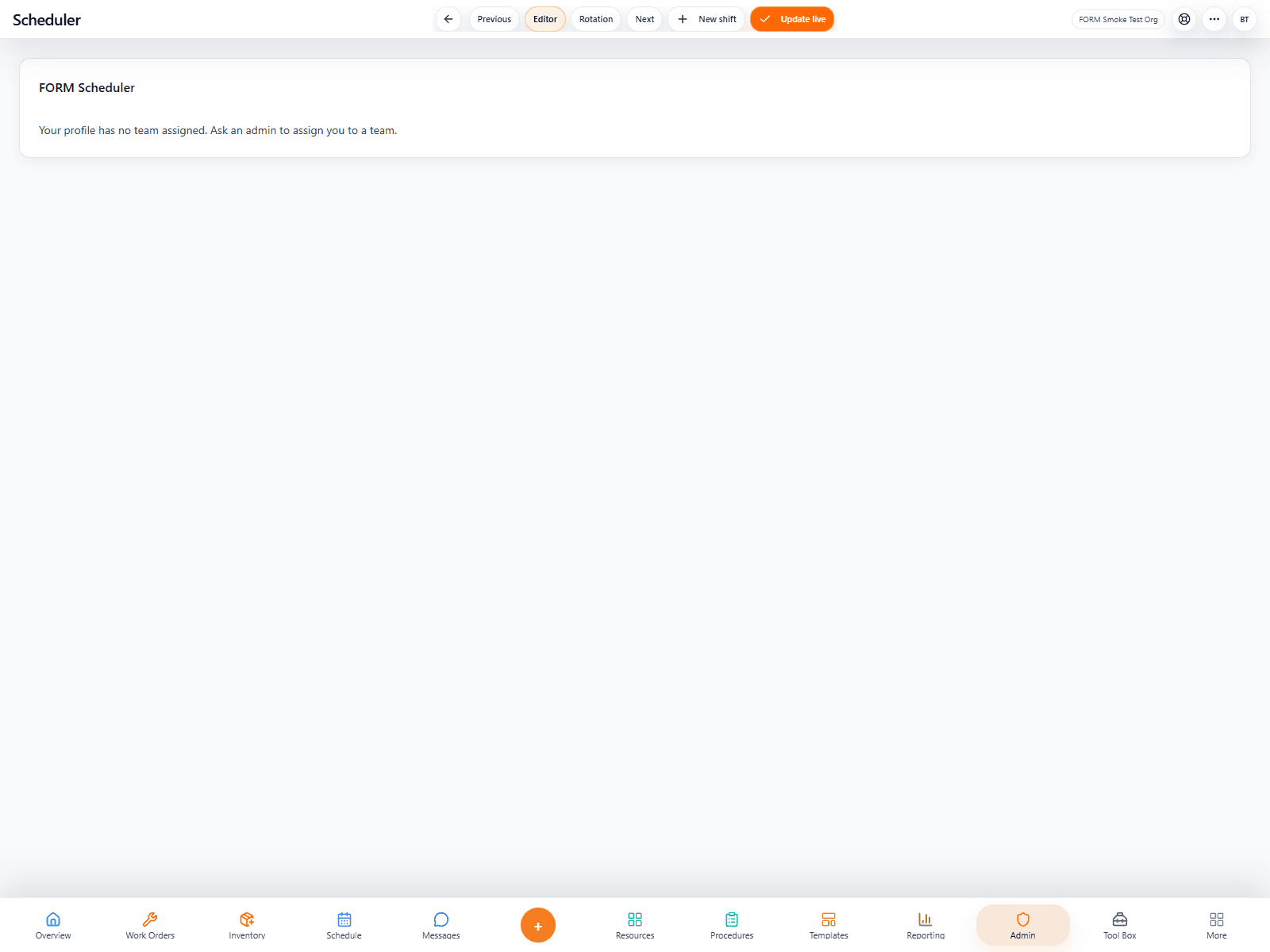
FORM scheduler editor with planning controls
AI support

AI helps managers move faster when building and adjusting schedules.

The scheduling AI direction is practical: better draft creation, faster changes, and less repetitive admin work for the people managing labor.

Natural-language schedule help.
Faster draft creation and editing.
Less repetitive schedule administration.
AI-assisted schedule planning
FORM Schedule editor with AI-assisted planning potential
FORM pricing
FORM uses one contract for every core workflow.
Whether this page is the entry point or not, organizations still buy the same FORM contract structure and get the full CMMS toolset under one account. Plus and Pro start with a 14-day card-on-file trial, while Enterprise is handled by quote.
Monthly
$35
per user / month
Plus is $39 per user monthly and Pro is $79 per user monthly, both on a 12-month contract billed monthly after the 14-day card-on-file trial.
Start monthly contract
Annual
$360
per user / year
Plus is $408 per user annually and Pro is $828 per user annually when paid up front for the full 12-month term. Enterprise pricing is handled by quote.
Start annual contract
Where it can lead
Related products in the wider family.
Related products help teams see the next logical workflows in the FORM family.
Need more than one workflow?

FORM connects this product with the rest of the platform.

If this workflow is part of a larger operation, FORM keeps it connected to the rest of the system under the same contract.