FORM tool catalog
See the major workspaces inside FORM, one tool at a time.
Each tool page explains what the workspace is for, why it matters operationally, what data it owns, what it looks like live, and how AI helps where it is relevant.
Retained CMMS tools | Live screenshots | One shared contract
8
Workspaces
Retained CMMS, communication, knowledge, and specialist maintenance tools.
Daily maintenance
Coverage
From work orders and schedules to inventory, procedures, resources, pools, budgets, and work-connected messaging.
One FORM contract
Billing posture
These pages explain workflow depth, but checkout stays centered on the same annual per-user FORM contract.
Company view
Retained CMMS tools | Live screenshots | One shared contract
Catalog overview
Each page covers the essentials.
Tool pages explain what each workspace does, why it matters, what it looks like, and where AI helps.
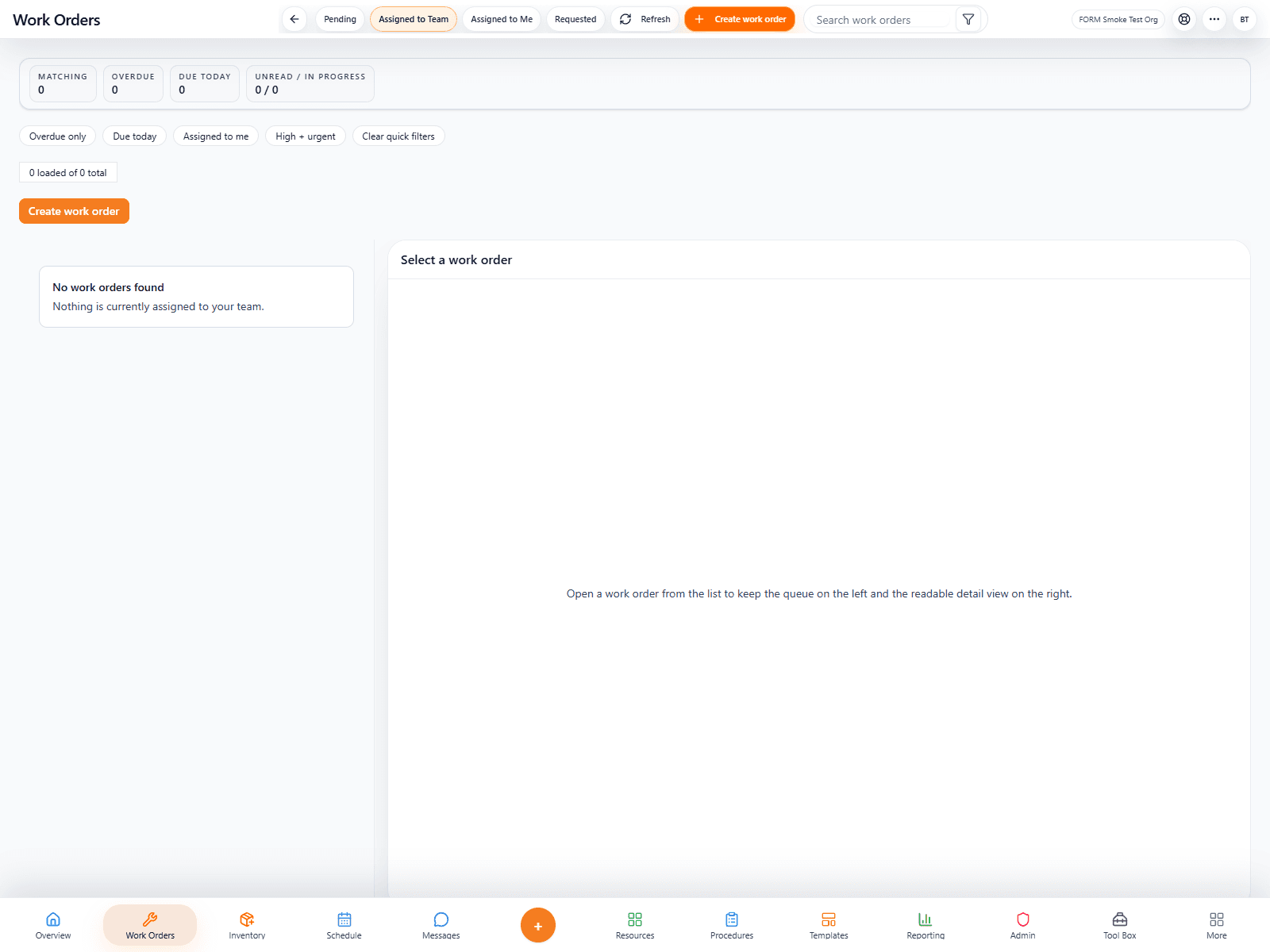
FORM Work Orders
The execution engine for maintenance teams that need cleaner request intake, assignment, progress visibility, and closeout proof in one place.
FORM Schedules
A labor-planning tool for building shifts, viewing coverage, handling PTO, and keeping maintenance staffing legible at a glance.
FORM Inventory
Inventory keeps parts, stock levels, QR-based lookup, and consumption history visible to the people who need to replenish and plan.
FORM Procedures
Procedures turn operational know-how into reusable, structured execution steps that can be attached directly to work orders and recurring routines.
Product range
The tool catalog covers the real range of the platform.
The catalog shows the range of FORM, from work orders and scheduling to inventory, budgeting, and other operational tools.
Product preview
4 screens
A fast overview of the platform.
Direct links into each tool page.
Clear coverage across the CMMS catalog.
Preview
Slide view
Work execution
FORM Work Orders showing structured execution and status visibility.
01
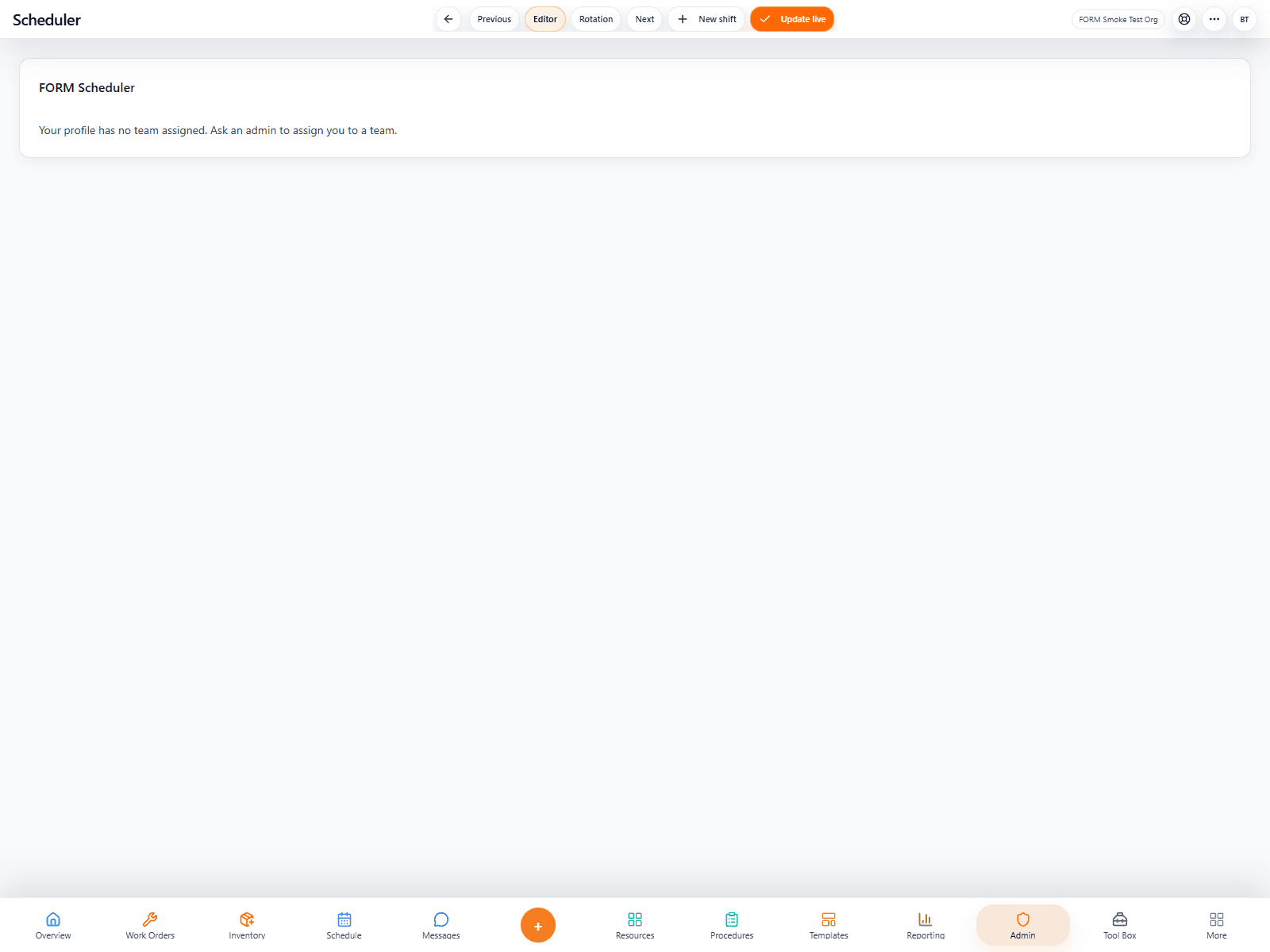
Labor planning
FORM Schedule editor showing labor planning and timeline control.
02
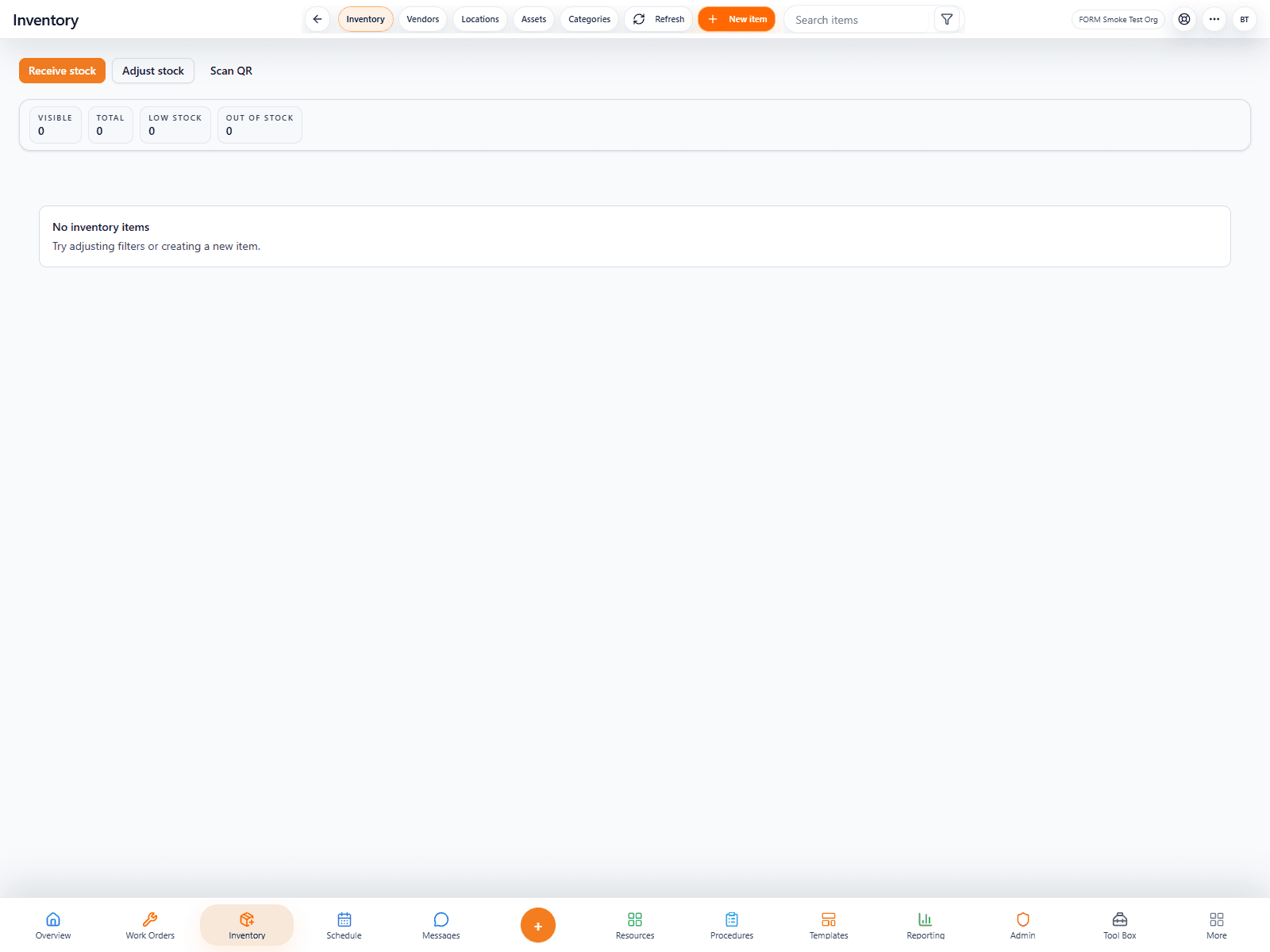
Inventory control
FORM Inventory showing stock visibility and item records.
03
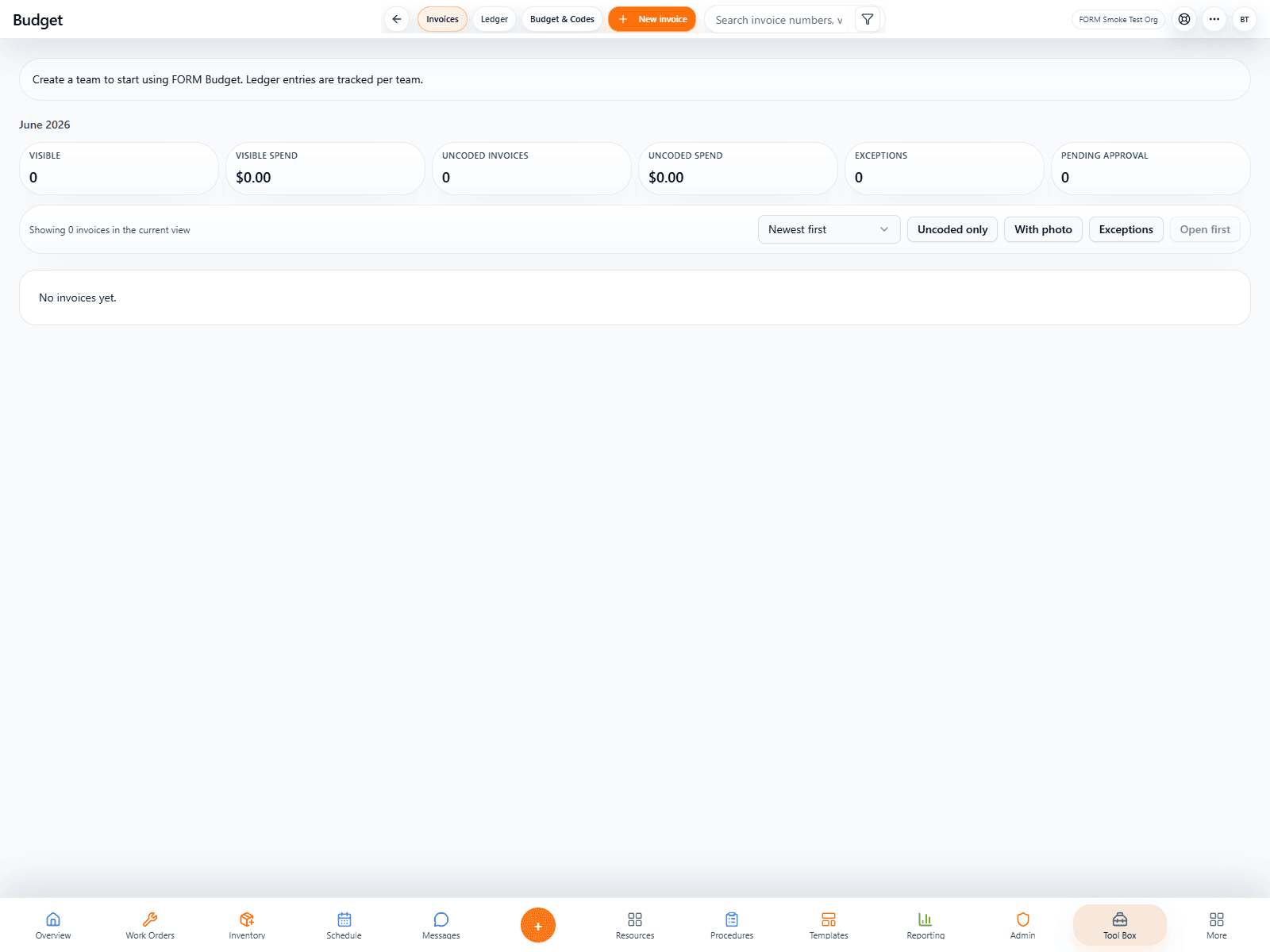
Budget control
FORM Budgets showing live ledger visibility and invoice tracking.
04
Core Ops
Core Ops tools
Flagship only
/work-orders
AI-assisted
FORM Work Orders
The execution engine for maintenance teams that need cleaner request intake, assignment, progress visibility, and closeout proof in one place.
Open product pageSee the workspace
Flagship only
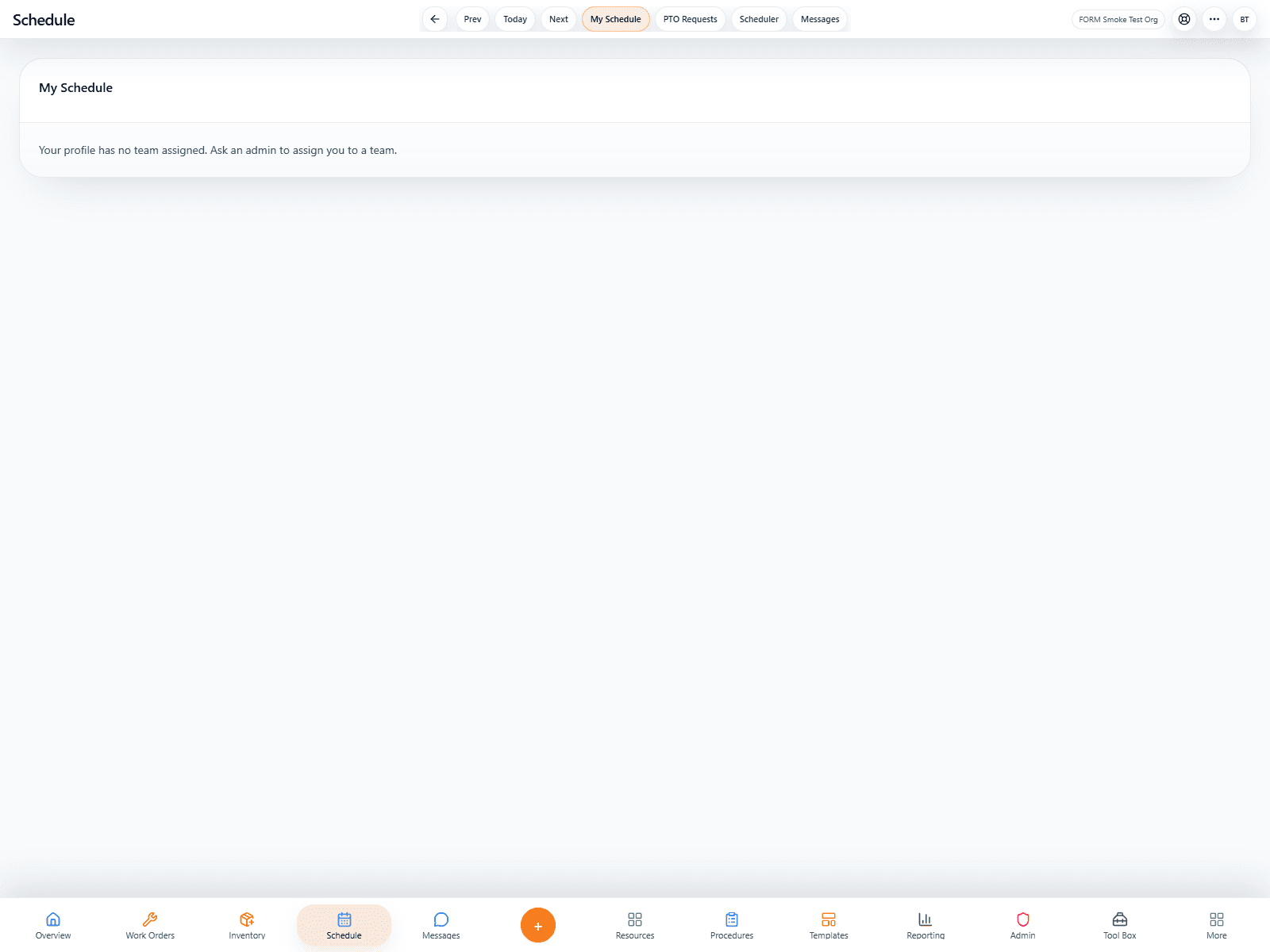
/schedule and /admin/scheduler
AI-assisted
FORM Schedules
A labor-planning tool for building shifts, viewing coverage, handling PTO, and keeping maintenance staffing legible at a glance.
Open product pageSee the workspace
Flagship only
/inventory
FORM Inventory
Inventory keeps parts, stock levels, QR-based lookup, and consumption history visible to the people who need to replenish and plan.
Open product pageSee the workspace
Flagship only
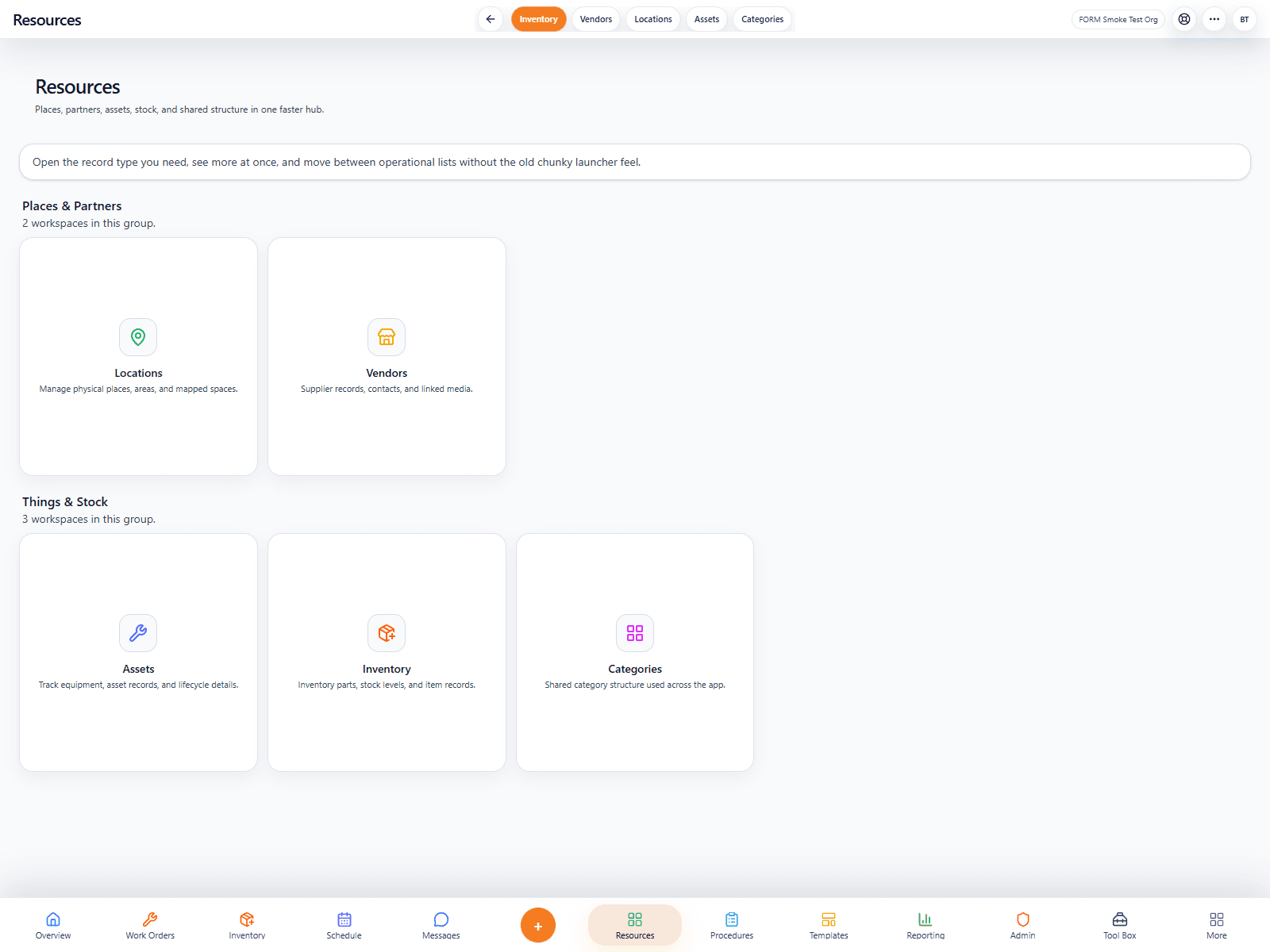
/contents
FORM Resources
Resources brings locations, vendors, assets, and shared operational records into one clearer organizational layer.
Open product pageSee the workspace
Communication
Communication tools
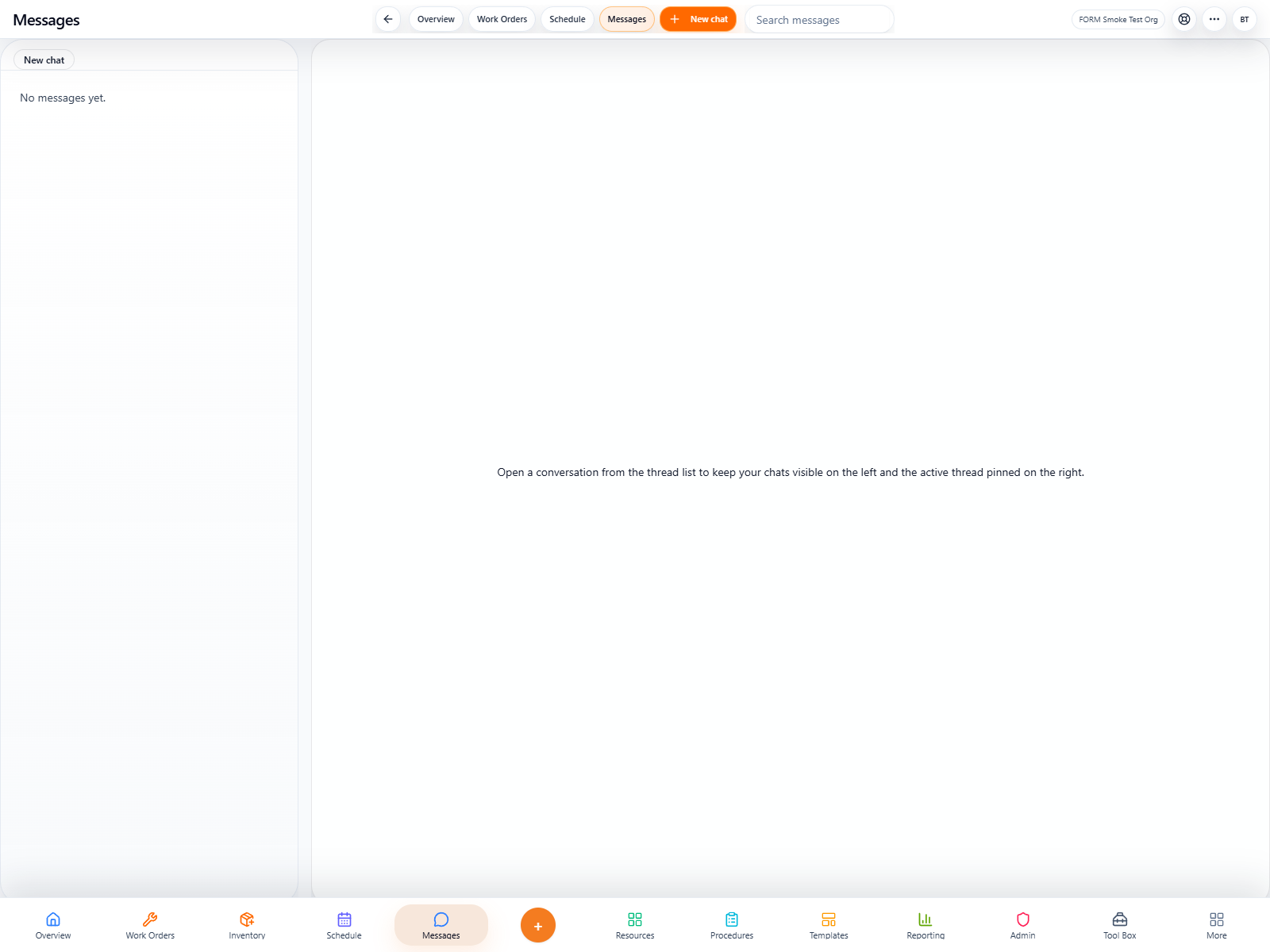
Knowledge
Knowledge tools
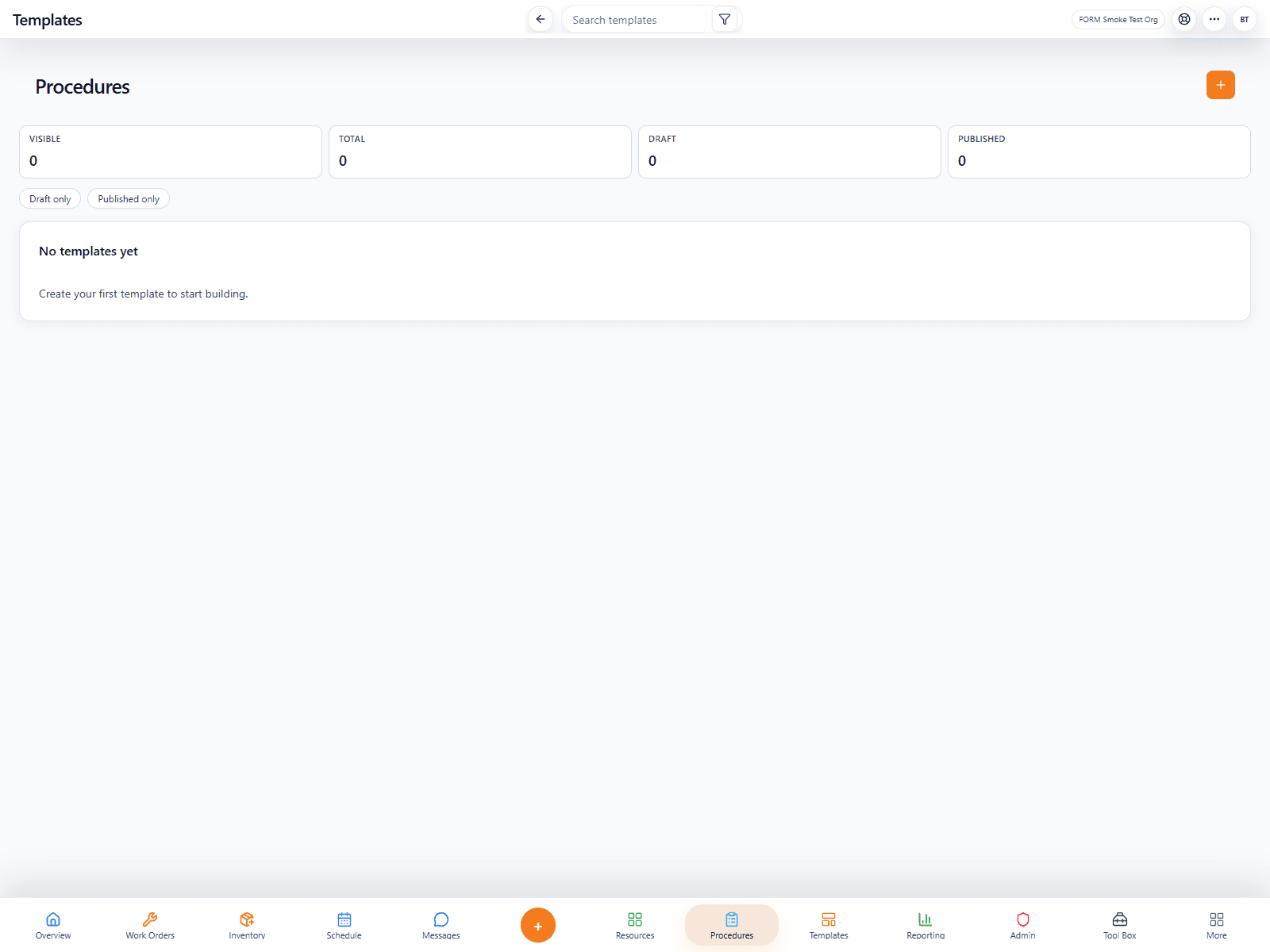
Specialized Tools
Specialized Tools tools
Standalone now
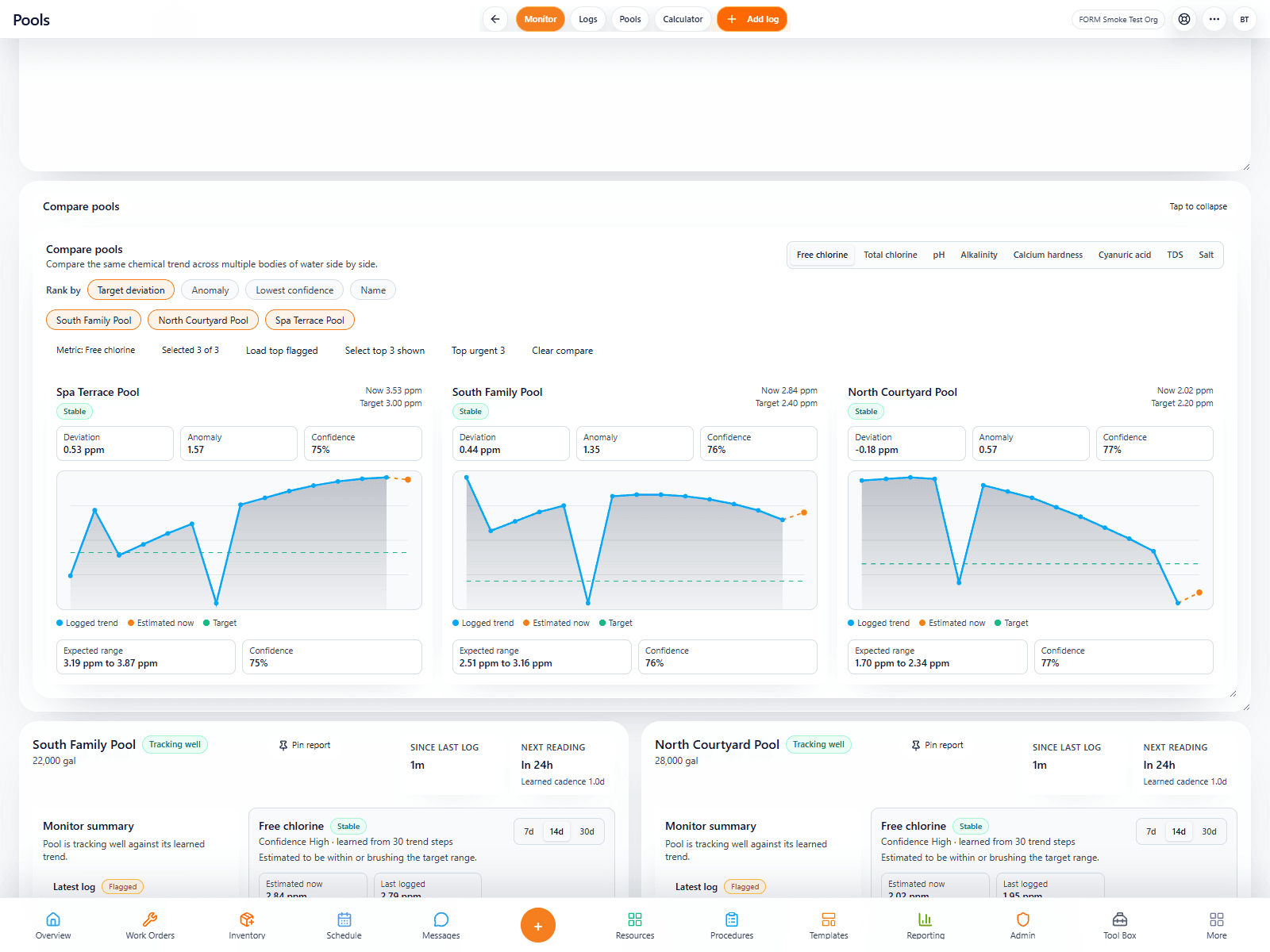
/pool-logs
AI-powered
FORM Pools
A dedicated aquatic-operations workspace for chemistry, compliance, trends, logs, and daily accountability.
Open product pageSee the workspace
Flagship only
/tool-box/invoice-ledger
AI-powered
FORM Budgets
A live budget and invoice workspace that helps leaders monitor spend, ledger codes, vendor invoices, and remaining budget without hunting through disconnected finance records.
Open product pageSee the workspace